Video Marketing for Small Business: How a Simple Video Production Plan Grows Your Reach

Video can help a small business become more visible, more memorable, and more trusted. But you do not need a full studio, a large crew, or hours of complicated editing to get started.
You need a simple plan you can repeat.
With the right approach to video production for small business, one filming session can become weeks of useful content for TikTok, Facebook, YouTube, and Instagram. The goal is not to chase every trend. It is to create clear, helpful videos that move people from curiosity to connection to confidence.
Why Video Works for Small Businesses
People want to see the humans behind a business. They want to understand how a product is made, what a service feels like, and whether they can trust the person they are considering hiring.
Video brings those answers to life through voice, expression, movement, and context. A short clip can show your expertise while also communicating your personality.
Video is especially useful for small businesses because it can help you:
- Explain what you do in a simple, visual way
- Build trust before someone contacts you
- Show your team, process, and values
- Reach new audiences through social platforms
- Answer common questions before they become objections
- Create content that can be reused across multiple channels
This is the heart of effective small business video marketing: showing up consistently with content that helps your audience feel informed, welcomed, and ready to take the next step.
You do not have to look like a major brand. In many cases, natural and authentic content performs better than something that feels overly polished. Clear messaging, good audio, and a helpful idea can take you a long way.
Start With a Beginner-Friendly Video Production Plan
A video plan should make your marketing easier, not add pressure to your week. Start with three decisions: your goal, your audience, and your content rhythm.
1. Choose one goal
For the next 30 to 60 days, focus on one primary goal. You may want to:
- Increase local awareness
- Generate more website visits
- Explain a service
- Build trust with potential customers
- Encourage more inquiries or bookings
A focused goal helps you decide what to film and what to measure. If you try to accomplish everything at once, your content can become unclear and difficult to maintain.
2. Know who you are speaking to
Think about the questions your customers ask before they buy. What makes them hesitate? What do they need explained? What would make them feel more comfortable reaching out?
Use those questions as video ideas.
For example, a home service business might record “What to expect during your first appointment.” A consultant could explain “Three signs your marketing needs a clearer direction.” A retailer might show how to choose between two popular products.
Useful content starts with empathy. When you make a video that solves a real concern, you are already creating value.
3. Build a repeatable content rhythm
You do not need to film every day. A practical approach is to record several videos during one half-day or full-day session, then schedule the finished clips over the next few weeks.
Matheson Management Group’s services page includes Content Days designed around this kind of focused production. The idea is simple: plan, film, and create a collection of assets you can use consistently.

Three Video Types That Perform Well
The best video strategy usually includes a mix of discovery content, trust-building content, and human-centered content.
Short-form videos
Short-form videos are ideal for reaching people who may not know your business yet. These clips can be 15 to 60 seconds and should focus on one clear idea.
Try:
- A quick answer to a common question
- A before-and-after transformation
- One practical tip
- A common mistake to avoid
- A short explanation of your process
- A brief introduction to a team member
Start with a clear opening line. Instead of saying, “Hi, everyone,” try, “If you are struggling to get consistent leads, start here.”
Keep the message focused, use simple language, and give the viewer a reason to keep watching.
Customer testimonials
Testimonials help potential customers picture themselves working with you. A strong testimonial does not need to sound scripted. It should feel specific, honest, and personal.
Ask customers questions such as:
- What problem were you trying to solve?
- What changed after working with us?
- What would you tell someone considering our service?
One two-minute testimonial can become several short clips. You might create one video about the original challenge, one about the result, and another about the customer’s favorite part of the experience.
Always ask for written permission before using a customer’s image, voice, or story.
Behind-the-scenes videos
Behind-the-scenes content shows the care and effort that go into your work. It can make your business feel more approachable while giving customers a closer look at your standards.
Film:
- Preparing for a client appointment
- Setting up your workspace
- Packing an order
- Creating a product
- Planning a project
- Introducing your team
- A day in the life of the business owner
These videos do not need a complex script. Capture natural moments and add a short voiceover or captions explaining what viewers are seeing.
Keep Filming Simple
A phone can be enough to begin. Focus on the parts of production that affect quality most: audio, lighting, and framing.
Record in a quiet space whenever possible. If you are filming someone speaking, place the camera at eye level and keep the background clean without making it feel empty.
Face a window or use a simple light source in front of the speaker. Avoid placing a bright window directly behind them.
Before filming everything, record a short test clip. Check:
- Can you hear the speaker clearly?
- Is the subject well lit?
- Is the video framed vertically or horizontally for its intended platform?
- Is there distracting background noise?
- Does the opening feel clear?
Make a few takes, but do not chase perfection. Calm, confident delivery usually matters more than a flawless performance.
Editing Basics That Make a Difference
Editing should make your message easier to follow. You do not need elaborate effects, fast transitions, or constant motion.
Start by removing:
- Long pauses
- Repeated phrases
- Mistakes
- Distracting background noise
- Any section that does not support the main point
Then add three essentials:
Captions
Captions improve accessibility and help people follow along when they are watching without sound. Make sure the text is large enough to read and stays on screen long enough to understand.
On-screen text
Use short text to reinforce the main idea. Highlight a question, benefit, statistic, or next step. Avoid placing too many words on the screen at once.
Consistent branding
Add your logo, colors, or social handle in a clean and subtle way. Consistency helps viewers recognize your content over time.
You can create one longer “master” video and then cut it into shorter versions. This makes your production time work harder while keeping your message connected across platforms.
For additional production guidance, Wistia’s video production guide offers helpful background on planning, filming, and editing.
Distribute Video Across the Right Platforms
A finished video can be used in several places, but it should be adjusted slightly for each platform.
| Platform | Best use | Helpful approach | |---|---|---| | TikTok | Discovery and personality | Use vertical videos, strong hooks, and natural behind-the-scenes moments | | Instagram | Brand visibility and community | Share Reels, Stories, testimonials, and visual tips | | Facebook | Local connection and sharing | Post helpful clips, customer stories, and community-focused updates | | YouTube | Search and long-term authority | Use Shorts for discovery and longer explainers or testimonials for depth |
TikTok, Instagram Reels, and YouTube Shorts generally work best with vertical 9:16 video. Facebook can support both vertical and horizontal content, while longer YouTube videos are usually created in a horizontal 16:9 format.
Do not simply post the exact same video with the same caption everywhere. Reuse the core footage, but tailor the title, description, thumbnail, hashtags, and call to action.
After posting, spend a little time responding to comments and questions. Engagement helps you learn what your audience cares about, and it gives you more ideas for future videos.
Track simple metrics such as views, watch time, shares, profile visits, and inquiries. Look for patterns. If short educational clips consistently perform well, create more of them. If testimonials lead to more conversations, make them a regular part of your plan.
You can also connect your videos to your Instagram, TikTok, Facebook, and YouTube presence to see how a consistent content system can work across channels.
A Simple Two-Week Video Workflow
Here is a realistic starting point:
Day one: Plan
Choose three short-form topics, one testimonial, and two behind-the-scenes ideas.
Day two: Film
Record all six videos during one focused session. Capture extra footage of your workspace, products, team, and process.
Days three through five: Edit
Create one polished version of each story, then make shorter cutdowns for social media.
Week two: Publish and review
Post three to five short videos, one testimonial, and one behind-the-scenes video. Respond to comments and review your results.
Then repeat the cycle. Small improvements in clarity, confidence, and consistency can move your business forward over time.
FAQ: Video Marketing for Small Business
Do I need expensive equipment to get started?
No. A modern smartphone, a quiet space, and a simple light can be enough. Clean audio and a clear message are more important than expensive equipment.
What if I feel uncomfortable on camera?
That is completely normal. Start with voiceovers, product demonstrations, screen recordings, or behind-the-scenes clips. You can move toward talking-head videos at your own pace.
How often should a small business post video?
A sustainable schedule is better than an ambitious one you cannot maintain. Start with one to three videos per week, then increase your pace when the process feels manageable.
Should I make different videos for every platform?
Not always. You can reuse the same core footage, but adjust the format, caption, thumbnail, and opening for each platform. This keeps your content efficient while making it feel native to the channel.
Can someone help with filming and editing?
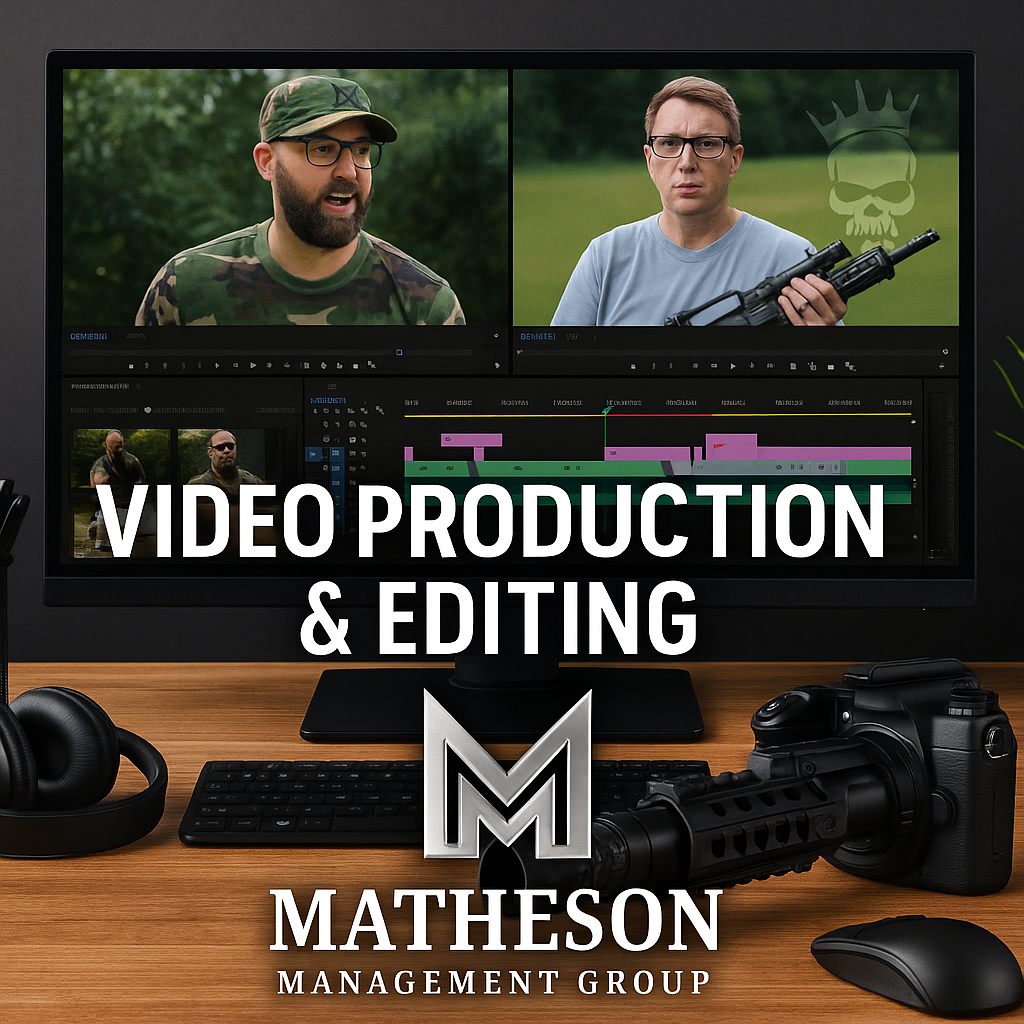
Definitely. Matheson Management Group provides hands-on support for video production and editing, including planning, filming guidance, content creation, and platform-ready edits. You do not have to figure out every step alone.
Move Forward With a Plan That Fits Your Business
Video marketing becomes easier when you have a clear process and someone in your corner. Whether you are starting with a single phone video or planning a full content day, the next step is simply to begin.
Matheson Management Group offers personalized, one-on-one support to help small businesses create useful, professional content without unnecessary pressure. Contact us to schedule a free 30–45-minute consultation and map out your next steps with clarity, confidence, and purpose.